


Furniture brand
Gulf
AI video production for product catalogs
Our own production technology keeps your product the same size, shape, color and detail in every shot and in every video. For catalogs of any size, from a few products to thousands.
Film
A short film about our engine, made with it.
The problem
Large catalog or small, you want a video for every product. Generate them one by one, and this is what you get:
Each video comes out with its own style, light and pace, so the catalog stops looking like one brand.
The presenter changes from one video to the next, and sometimes between two cuts of the same video.
A sofa grows and shrinks from shot to shot, and a bag looks different next to the same person.
Color, texture, stitching, the logo, the number of buttons or legs: differences a buyer will notice.
Seen from another side, the product no longer matches itself: the geometry falls apart between angles.
One voice across every cut, the right intonation, brand names pronounced right, the right stress and accent.
Examples
We made each one from product photos to show what the engine does, not for a client, so brand names are left out. Tap a video to watch it with sound.
Gulf

Singapore

USA

France

Denmark
Real frames
Frames from a video generator and from our production engine, made from the same product photos.
The generator decided on its own how big the product is. Our engine builds it to its real proportions, so it stays the same size in every shot.
Whatever the prompt says, video models keep their own ratio between a person and the furniture. Words can’t fix it. Our approach can: the scale comes from the product’s 3D model.
In the wide shot and from another angle, the sofa doesn’t match in its details. A prompt can’t check geometry between angles; our engine checks it against the 3D model.
How it’s made
Our engine doesn’t ask a video model to guess your product. It builds the product first, checks it against your photos and makes the video around it. Every step is checked by the engine itself.

We start from the photos you already have: the catalog shoot, the product page, a few angles.

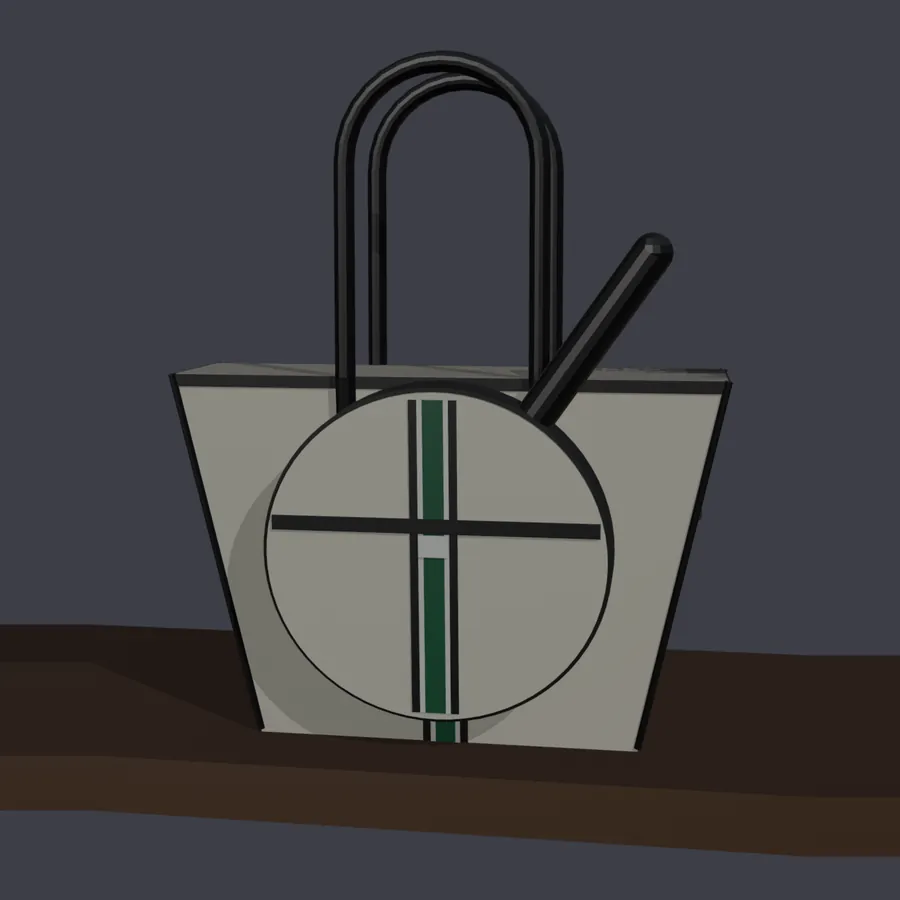
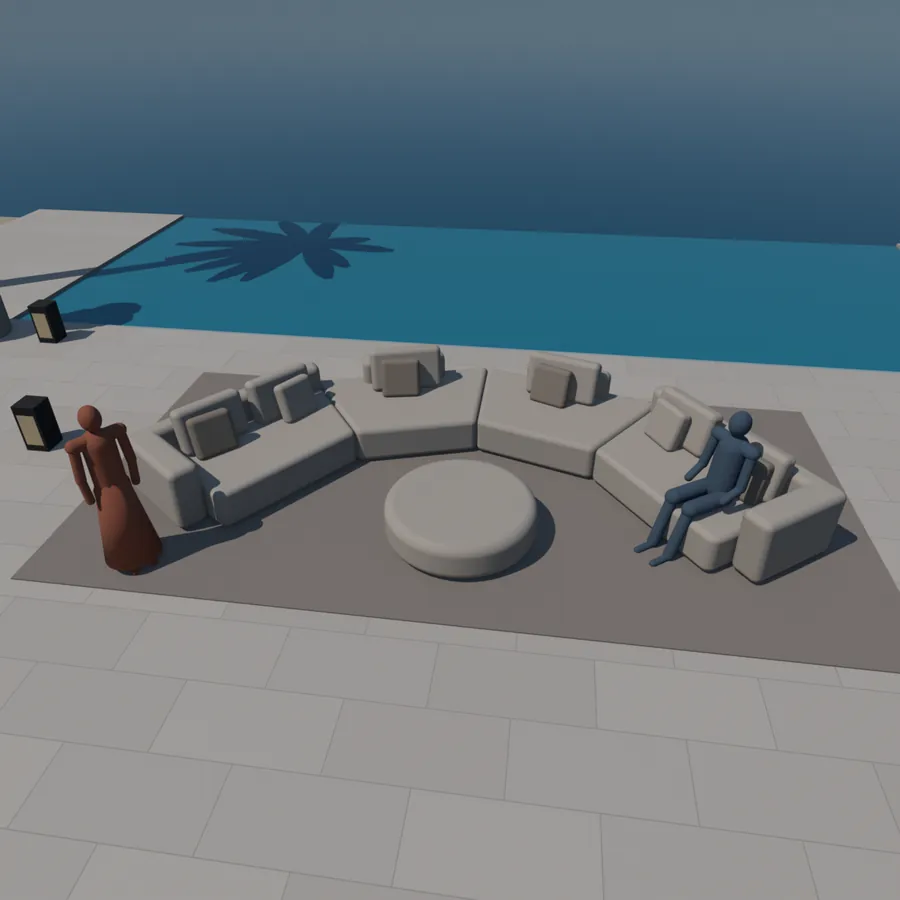
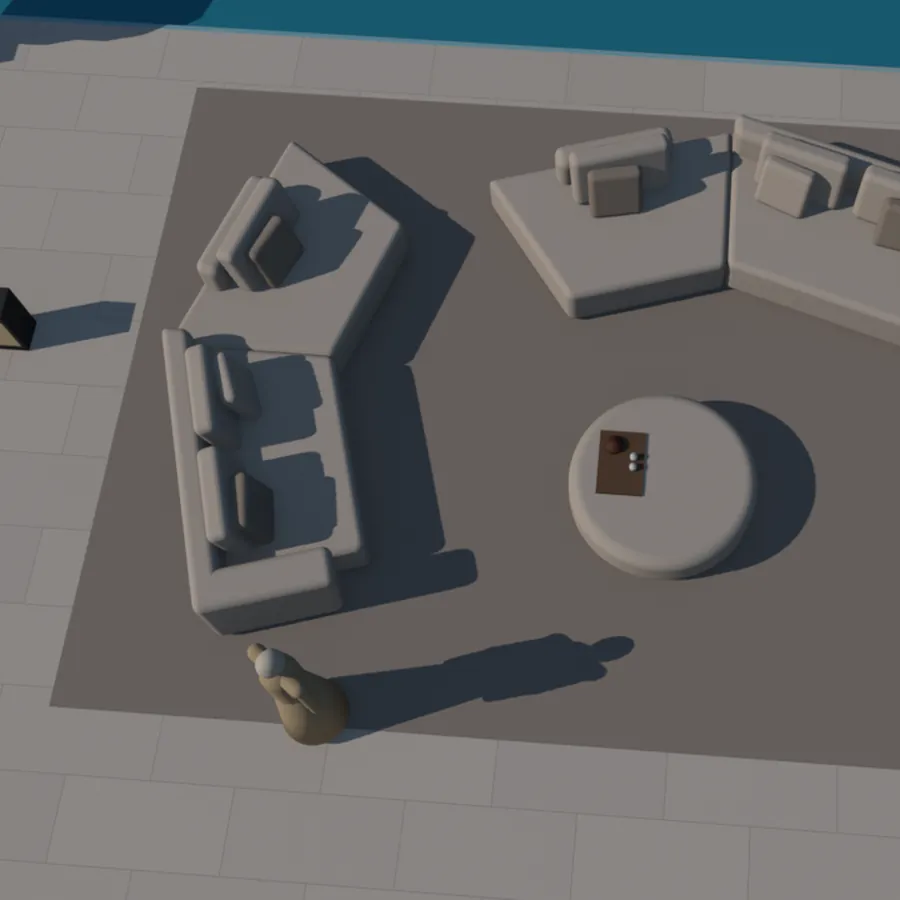
The engine builds a simple block-out of each product in 3D, at its real dimensions: it sets size and proportions, not the look.

The model is compared with every photo, and its geometry is checked from each angle.

Each frame gets an exact outline of the product, so the video can’t redraw it or change its size.

People, rooms and light are generated around the model, not instead of it.

Every frame is compared with the model and the photos: size, color, texture, stitching, logo, number of parts.

A fragment that fails the check is regenerated and checked again before it reaches the video.

The engine adds your branding, captions and on-screen marks, records the voice and renders every format.
The voiceover is part of the final step: one voice across every cut and every video, with the right intonation, stress and accent, and your brand names pronounced the way you say them.
Saved models
The 3D model of each product is saved. The next video for it, or for a similar product, starts from that model: no new shoot and no generation from scratch.
The saved models are simple on purpose: basic shapes at the product’s real dimensions, so the engine gets size and proportions right in every shot. The look of the finished frame (materials, color, light and detail) comes from your product photos.
The same shot and the same size, in the new colorway.
New light, setting and styling for the season.
A local voice, captions and setting for each country.
The product moves to a new room, street or studio.
Products from the same line start from a saved model, not from zero.


Saved block-out models

Tools
We build tools that make it easier to work with product pages and product videos. A few are paid, and many are free.
All toolsStart with a pilot
Send a link to your catalog or website and tell us roughly how many videos you need a month. We start with a pilot on 3–5 of your products, so you can judge the videos on your own catalog.
Your website, a product feed or your store on a marketplace.
Product-accurate videos of your real products, for the markets and platforms you need.
New videos for the catalog and new arrivals every month, in one style.
We don’t copy other people’s videos. Every video is new and about your product. We keep the mechanics that sell (script, pacing, delivery), not anyone’s footage, people or music.
Made with our engineTests, not client projects
A link to your catalog or product feed, and the product photos you already have. A few angles of each product help. If a product has no page yet, send the photos directly. Nothing needs to be filmed.
The pilot covers 3–5 products. After that, the volume is set in the monthly contract: from a few products a month to the whole catalog, with several videos per product if you need them.
9:16 for TikTok, Reels and Shorts, 1:1 and 4:5 for feeds and product cards, 16:9 for YouTube, websites and marketplaces. Every format of one product comes from the same model.
Any common language. The voice stays the same across every cut and every video, with the right intonation, stress and accent, and brand names pronounced the way you pronounce them. Videos without words are possible too.
The engine checks every frame against the 3D model and your photos: size, shape, color, texture, stitching, logo, the number of parts and the geometry between angles. A fragment that fails is regenerated and checked again before you see the video.
Yes. The 3D model of each product is saved, so a new color, season, market or scene starts from the model, with no new shoot and no generation from scratch. A similar product from the same line can start from it too.
No, and you don’t need to send any. The engine builds a simple block-out model of each product at its real dimensions: it keeps the size and proportions right in every shot. The look of the product comes from your photos.
A video generator draws the product again in every shot, so its size, details and geometry drift, and every video comes out different. Our engine builds the product in 3D first, checks it against your photos, makes the video around it, checks the result and remakes failed pieces, then adds branding, captions and the voice.
No. They are test videos we made from product photos to show what the engine does, so brand names are left out.
By business
Videos for your own store, product pages and ads.
Video for product cards across the catalog, partnership and white label.
Catalog video for many clients, under your brand on request.
Creator-style videos with generated people and voices.
Video ads for every market, and a free check of any video ad.
Cookies and privacy
We use cookies to count free checks without an account. Anonymous website analytics runs without cookies (PostHog, EU); if you refuse, it does not run either. The website still works, and free checks become available after signing in with Google. Details
