Product detail page video
A video on the product page itself, uploaded in Seller Central against the ASINs you choose. Its job is to show the product in use; Amazon says it should not look like a commercial.
For sellers
Amazon shows seller video in two places. On the product detail page it is part of the listing: MOV or MP4 files of up to 5 GB, in 16:9 or 9:16. In Sponsored Brands it is a paid ad of 6–45 s in 16:9, in the language of the marketplace it runs on. Quelta makes both from your product photos or product links, checks every take, and charges from $20 per finished video up to 30 seconds.
Two places, two sets of rules. Pick the slot first: the length, the shape and what the video may show all follow from it.
A video on the product page itself, uploaded in Seller Central against the ASINs you choose. Its job is to show the product in use; Amazon says it should not look like a commercial.
A paid video ad you set up in the Amazon Ads console and send to a Brand Store or to a product detail page.
Both placements, from Amazon’s own help pages. Where Amazon publishes no number, the cell says so instead of guessing.
| Requirement | Product detail page video | Sponsored Brands video ad |
|---|---|---|
| File format | MOV or MP4[2] | MP4 or MOV[4] |
| Length | 1–12 min[2] Amazon’s seller blog recommends shorter videos and shows approved examples under a minute. The checker treats shorter videos as a warning, not a failure. | 6–45 s; 20 s or less recommended[4] |
| Resolution | up to 1080 px on the short side[2] Amazon gives only an upper limit, no minimum. | 1280 × 720, 1920 × 1080 or 3840 × 2160[4] |
| Aspect ratio | 16:9 or 9:16[2] | 16:9[4] An Amazon Ads guide mentions vertical video too, but the spec sheet allows only this ratio and gives no vertical sizes. |
| File size | up to 5 GB[2] | up to 500 MB[4] |
| Frame rate | Not published | 23.976, 23.98, 24, 25, 29.97, 29.98 or 30 fps[4] |
| Sound | Not published | Optional[4] |
Numbers come from the platform’s own help pages (sources below). Where the platform says nothing publicly, the cell says “Not published” and the checker skips that rule.
In the Amazon pages cited here AI video comes with conditions, not a ban: a metadata tag for generated people, content that does not mislead, no commercials on the detail page and the right language in ads. This is what our process is built around.
It shouldn’t look like a commercial or be about your company’s brand: show the product.[6]
Detail-page cuts are made as demonstrations: the product in use, close-ups of material and size, no price banner, no brand end card, no sales voice. A promotional cut for ads is a separate file.
No promotional calls to action.[2]
No web addresses, links or calls to action go into the picture or the voice-over of a detail-page cut.
If the video shows photorealistic AI-generated people, tag the file’s metadata before uploading.[2]
Our people are generated for each product and market, so this rule applies to any cut that shows a person. Tag the file before you upload it; if you prefer, say so in the brief and we plan product-only cuts.
Text and voice-over in the language of the marketplace.[4]
Each marketplace gets its own version, adapted by meaning: what the video says first, who says it and how, with voice and captions in that marketplace’s language.
AI-generated content must not mislead shoppers.[7]
Every take is checked against your photos for the product, its text and its packaging, so the video shows what the shopper will receive.
Keep text and key information out of the lower right corner.[4]
Ad cuts are made in 16:9, the ratio Amazon lists for this placement (16:9), so the picture fills the frame, and titles stay out of the lower right corner.
Product photos, a product feed or links to your Amazon product pages are enough. Tell us the ASINs or the category to start with and the marketplaces you sell on.
Detail page, Sponsored Brands or both. The slot sets the length, the ratio and what the video may show, so it is agreed before anything is made.
People, places, voices and music are generated for each product and market. Several takes are made, and each one is checked against your photos and the rules of the platform before delivery.
Delivered videos carry no Quelta watermark. Detail-page videos go in through Seller Central, ads through the Amazon Ads console.
Price. From $20 per finished video up to 30 seconds and from $30 per video up to 60 seconds. A pilot on one category is quoted per project. There is no free video plan: only the check of an existing ad is free.
Amazon removes Sponsored Brands ads whose language does not match the audience, and it asks for voice-over and on-screen text in the language of the marketplace. A translated track is the minimum. A video that sells in one country can still lead with the wrong thing in another.
Quelta adapts what the video leads with to local buyers: in one market it is the price, in another instalments or a discount, in a third quality and free returns. You list the marketplaces you sell on and each gets its own version, with a local creator speaking its language. Languages are confirmed in the project quote.
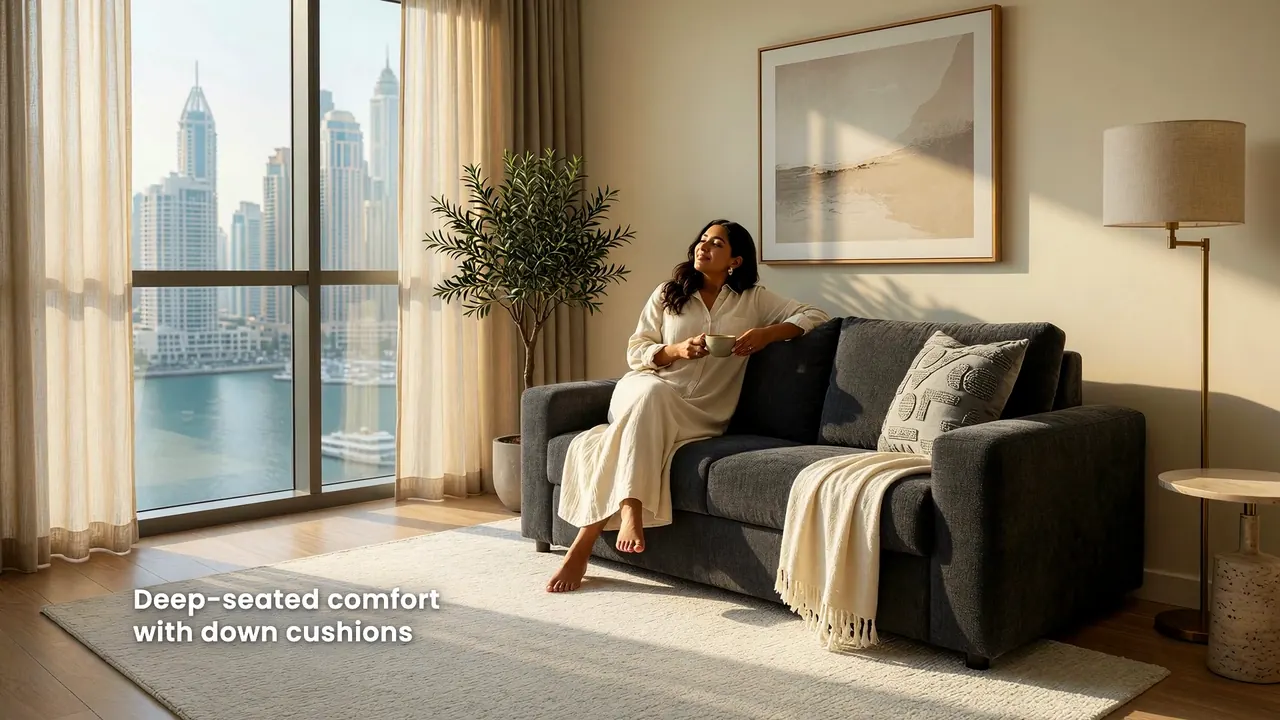
Widescreen brand ads of one furniture line, made in English and in Arabic from the same product photos: 16:9 is the shape Sponsored Brands takes. The gallery has them with sound.
Cases
One phone video in English became three local ads in Spanish, Portuguese and Arabic, each with its own angle. The same method makes a version for each marketplace.
 Case 2
 Seller · 3 markets
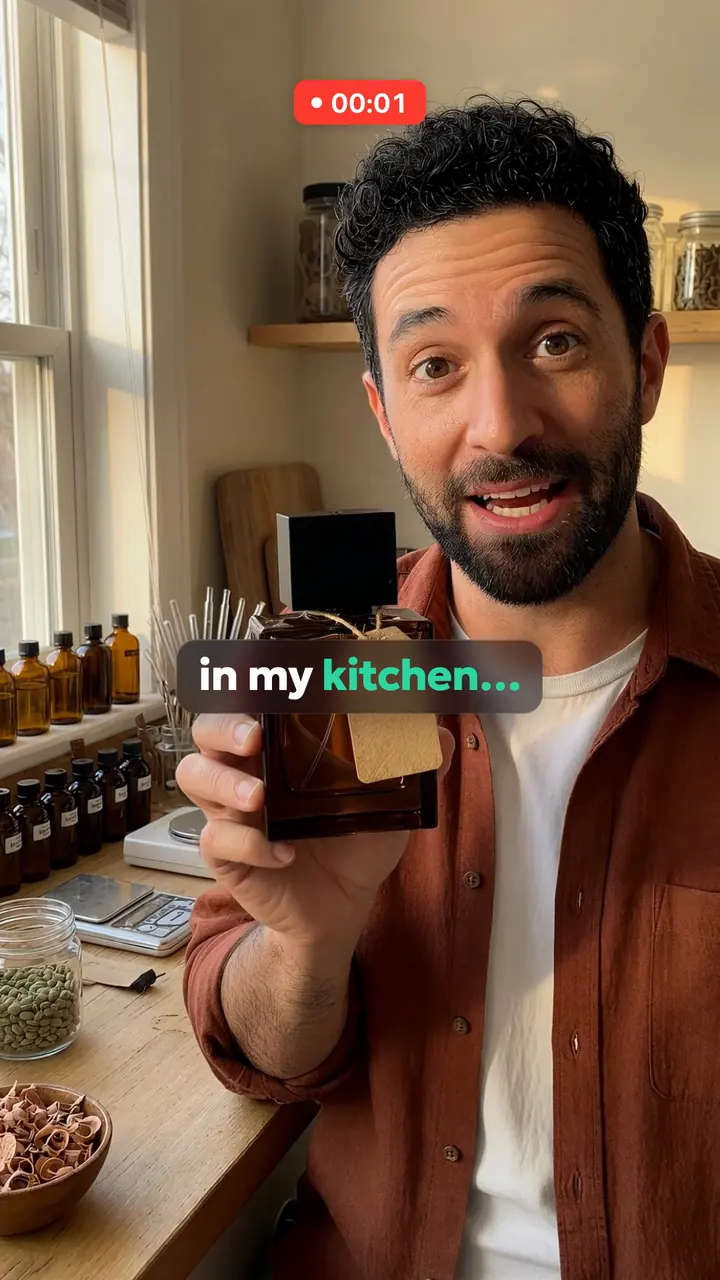
A man makes perfume in his kitchen: cedar, cardamom and smoke. So far only his friends buy it.
The Amazon pages cited here allow it with conditions. A video with photorealistic generated people must be tagged in its file metadata before upload, AI content must not mislead shoppers, and detail-page videos must not look like commercials. Quelta’s people are generated, so plan the tag.
On the detail page Amazon lists 1–12 min in 16:9 or 9:16. Sponsored Brands takes 6–45 s in 16:9, and 20 s or less is recommended. Sizes and formats are in the table above, and the free file checker tests your video against them.
For Sponsored Brands video ads, yes: they are open to sellers registered in Brand Registry. Detail-page videos need a professional selling account, at least 3 months of selling history and live listings.
From $20 per finished video up to 30 seconds and from $30 per video up to 60 seconds. A pilot on one category is quoted per project. There is no free video plan, only a free check of existing ads.
Yes. Tell us the marketplaces and each gets a version for its buyers, not a word-for-word translation of one video. The languages are confirmed in the project quote.
Videos for product cards and ads from product photos, for one hero product or the whole catalog.
Product videos and shoppable posts within TikTok’s rules for AI-made content.
Product page videos for a store, rolled out within Shopify’s weekly upload limit.
Short listing videos that work with the sound off, for shops with many listings.
Every number with its source and the date it was checked, plus a free check of your file in the browser.
Score a vertical ad for your platform and market in about a minute.
This page is written by Quelta, which makes the videos it describes. The marketplace rules come from each marketplace’s own help pages, copied with a quote and the date and read again when the pages change; where a marketplace publishes nothing, the table says so.
Quelta for catalogs
Quelta makes product videos from your photos, adapted for each of your markets by meaning, not just by words, and checked before delivery. Start with a pilot on one category.
Start with a pilotPrivate access
Tell us about your catalog, markets and volumes. We make the first videos for one category, so you can compare them with what you have now. Then the same scenarios cover the whole catalog.
A product feed, links to product pages or photos for one category.
Countries, languages, platforms, generations of buyers and the quality threshold.
Localized for each market, checked and ready to post.
Every product, every market and every new arrival, in one style.
We don’t copy other people’s videos. Every video is new and about your product. We keep the mechanics that sell (script, pacing, delivery), not anyone’s footage, people or music.
Cookies and privacy
We use cookies to count free checks without an account. Anonymous website analytics runs without cookies (PostHog, EU); if you refuse, it does not run either. The website still works, and free checks become available after signing in with Google. Details