Product video
The video on the product page, added in Seller Center in the product details. It appears last in the image carousel at the top of the page.
For sellers
TikTok Shop allows videos made with AI if they show the real product accurately and are labelled. It does not allow AI that changes a product’s size, colour or features, or fake 3D and rotation built from a flat photo. Quelta makes TikTok Shop product videos and ads from your product photos within those rules, checks every take, and charges from $20 per finished video up to 30 seconds.
TikTok Shop has three video slots with different rules: the product page, shoppable posts and Shop Ads. The AI rules sit mostly on the last two.
The video on the product page, added in Seller Center in the product details. It appears last in the image carousel at the top of the page.
A regular TikTok post with a product link attached. This is where the strictest content rules sit, and where videos made with AI have to be labelled.
Videos that run as Shop Ads in GMV Max campaigns, either existing posts or videos uploaded to the campaign.
Product videos and Shop Ads have published limits. For shoppable posts, which are ordinary TikTok posts, TikTok Shop publishes almost none, and the cells say so.
| Requirement | Product video | Shoppable video | Shop Ads video |
|---|---|---|---|
| File format | MP4, MOV, MKV or AVI[2] Uploads through the API also accept WMV, WebM, 3GP, FLV and MPEG. | Not published Shoppable videos are regular TikTok posts, so TikTok’s own upload limits apply. | MP4, MOV, MPEG, 3GP or AVI[8] |
| Length | 20 s–1 min (recommended)[9] Older help pages set a hard cap at the top of this range; the current guide gives only the recommendation. | Not published | up to 10 min[8] |
| Resolution | 720 px or more on the short side recommended[9] | 1080 px or more on the short side recommended[10] The Pre-check compares videos with TikTok’s recommended standards, including this one. | at least 540 px on the short side[8] Square video needs a little more; the checker applies the vertical and horizontal minimum. |
| Aspect ratio | between 9:16 and 16:9; 1:1 recommended[2] | Not published | 9:16, 16:9 or 1:1; 9:16 recommended[8] |
| File size | up to 100 MB[2] TikTok Shop’s product listing policy still names a much smaller cap; the listing guide and the API both give this one. | Not published | up to 500 MB[8] |
Numbers come from the platform’s own help pages (sources below). Where the platform says nothing publicly, the cell says “Not published” and the checker skips that rule.
TikTok’s own rules, summarised, and for each one what Quelta does about it. The first two are the ones that matter most for AI video: TikTok names them as prohibited.
No fake 3D or rotation made from a flat product photo, and no unrealistic animation of a static product.[4]
We do not turn one flat photo into a rotating or 3D-looking product. A side of the product that no photo shows does not appear in the video. Movement comes from people handling, wearing or using the product, and a take where the product moves in a way it could not is rejected in our check.
AI must not change the product’s size, color, material, quantity, bundle contents or features.[4]
The product, its text and its packaging are compared with your photos on every take, so shape, colour and details stay as photographed. Size, quantity and bundle contents cannot be read from a photo: give them in the brief and we show nothing else.
AI must not replace or fake the product itself: show the real product accurately.[4]
The product is the subject of the cut and is checked against your photos. A take where it changes is not delivered; it is made again.
AI-made videos are allowed, but must be labeled: an on-screen label or the AI-generated content setting.[4]
Our videos use generated people, voices and places, so treat the label as required: switch on TikTok’s AI-generated content setting or add an on-screen label when you post.
Promotion that relies mainly on still images, slideshows or screen recordings isn’t allowed.[5]
Videos are made as moving footage from the first frame, not as a slideshow of your photos, a loop or a screen recording.
In the EU, videos aren’t translated automatically: upload a localized version for each language yourself.[3]
For EU shops each language is its own video. We make one version per language you sell in, adapted by meaning, and you upload each one yourself, as TikTok requires.
Product photos, a product feed or links to product pages are enough. Say which slot you need, because the three follow different rules: product video, shoppable post or Shop Ads.
People, places, voices and music are generated for each product and market. Several takes are made, with the product as the subject and nothing drawn that your photos do not show.
Before delivery each take is checked: the product, text and packaging against your photos, hands and faces, the hook, the pacing, the sound and the rules of the platform.
Finished files carry no Quelta watermark. Post with the AI label on, add the product link and run TikTok’s Quality check before you publish.
Price. From $20 per finished video up to 30 seconds and from $30 per video up to 60 seconds. A pilot on one category is quoted per project. There is no free video plan: only the check of an existing ad is free.
In the EU, TikTok’s seller pages say videos are not translated automatically: if you want localised versions you have to translate and re-upload them yourself. A translated voice-over is the minimum, not the goal.
Quelta changes what the video says first, who says it and how, market by market. The same perfume can be pitched on compliments in one country and on lasting all day in the heat in another; the case below is an example of this kind of adaptation.
Vertical ads made for TikTok-style feeds. The people in them are generated, which is why the label rule above applies to every one of them. Open the gallery to watch with sound.
Cases
A gift ad for the US from one phone video, and one perfume adapted for three markets.
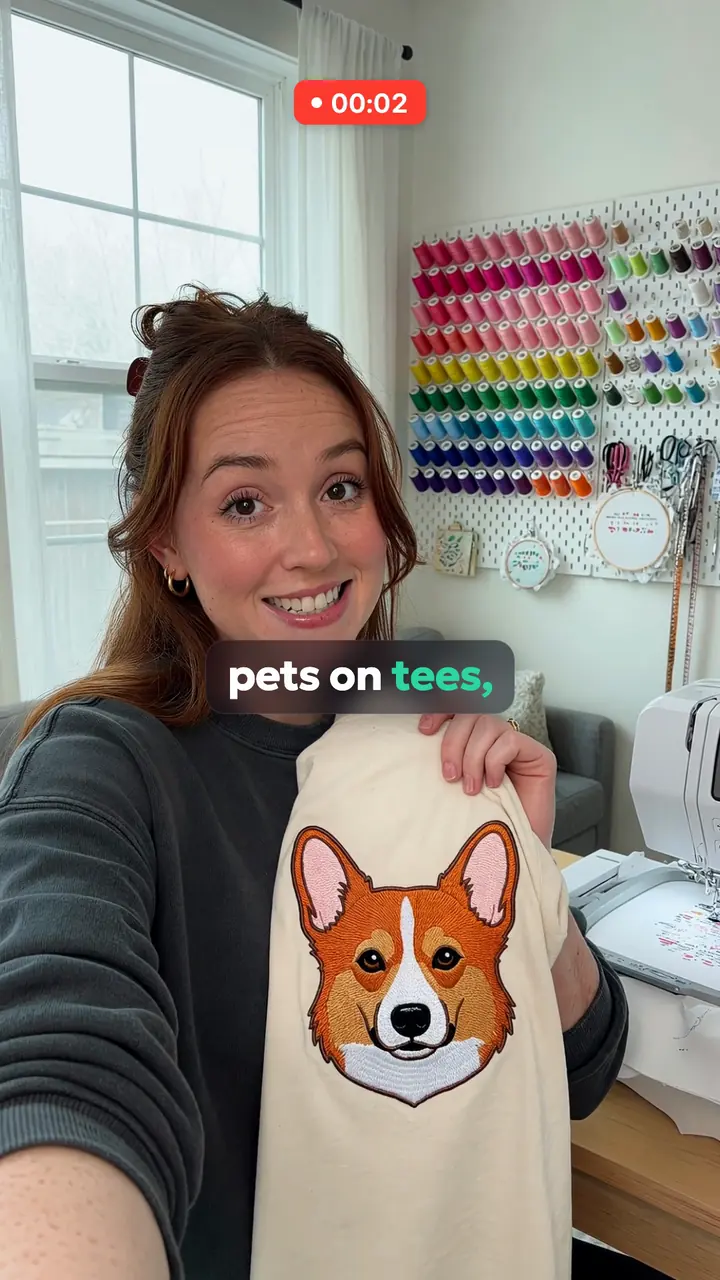 Case 1
 Seller · USA
A home embroidery shop puts customers’ pets on tees from one photo. Great product, no ads.
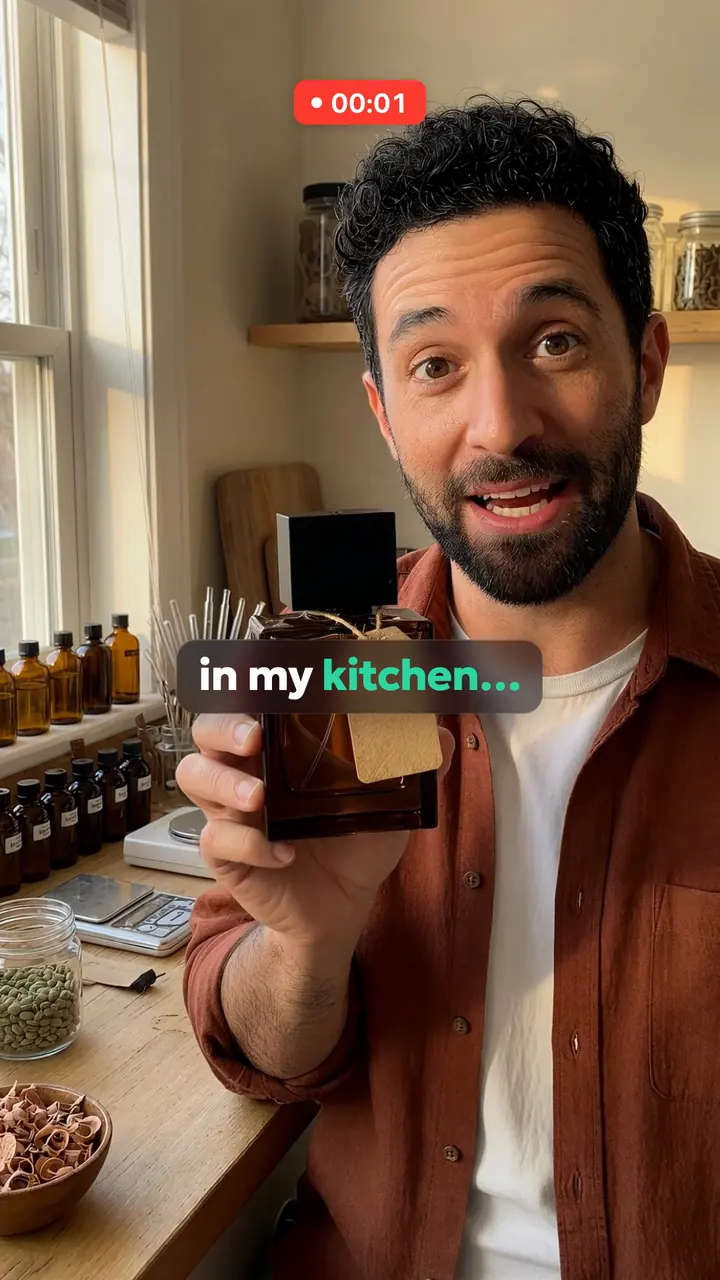 Case 2
 Seller · 3 markets
A man makes perfume in his kitchen: cedar, cardamom and smoke. So far only his friends buy it.
Yes, if you label them and they show the real product accurately. TikTok Shop does not allow AI that changes a product’s size, colour, material or features, or fake 3D and rotation made from a flat product photo.
No. TikTok Shop forbids turning a flat photo into fake 3D or rotation, and unrealistic animation of a static product, so we do not make them for TikTok Shop. A side of the product that your photos do not show does not appear in the video.
TikTok says content fully or significantly created or altered by AI should be labelled, with an on-screen label or the AI-generated content setting. Quelta’s videos use generated people, so label them. TikTok can limit reach, remove the product link or deduct creator health points for misleading or unlabelled AI content.
A product video can be MP4, MOV, MKV or AVI, up to 100 MB, with an aspect ratio between 9:16 and 16:9. TikTok recommends 20 s–1 min. Shoppable posts and ads follow the table above, and the free file checker tests your video against it.
From $20 per finished video up to 30 seconds and from $30 per video up to 60 seconds. A pilot on one category is quoted per project. There is no free video plan, only a free check of existing ads.
Yes. Each language is a separate version made for its buyers, which you upload yourself because TikTok does not translate videos for you. The languages are confirmed in the project quote.
Videos for product cards and ads from product photos, for one hero product or the whole catalog.
Detail-page and Sponsored Brands videos, one version for each marketplace language.
Product page videos for a store, rolled out within Shopify’s weekly upload limit.
Short listing videos that work with the sound off, for shops with many listings.
Every number with its source and the date it was checked, plus a free check of your file in the browser.
Score a vertical ad for your platform and market in about a minute.
This page is written by Quelta, which makes the videos it describes. The marketplace rules come from each marketplace’s own help pages, copied with a quote and the date and read again when the pages change; where a marketplace publishes nothing, the table says so.
Quelta for catalogs
Quelta makes product videos from your photos, adapted for each of your markets by meaning, not just by words, and checked before delivery. Start with a pilot on one category.
Start with a pilotPrivate access
Tell us about your catalog, markets and volumes. We make the first videos for one category, so you can compare them with what you have now. Then the same scenarios cover the whole catalog.
A product feed, links to product pages or photos for one category.
Countries, languages, platforms, generations of buyers and the quality threshold.
Localized for each market, checked and ready to post.
Every product, every market and every new arrival, in one style.
We don’t copy other people’s videos. Every video is new and about your product. We keep the mechanics that sell (script, pacing, delivery), not anyone’s footage, people or music.
Cookies and privacy
We use cookies to count free checks without an account. Anonymous website analytics runs without cookies (PostHog, EU); if you refuse, it does not run either. The website still works, and free checks become available after signing in with Google. Details