MCP
EN
Get videos
Product Hunt: launching Nov 10

For sellers

AI product videos for Shopify stores

A Shopify product page can carry video next to the photos, as MP4, MOV or WebM files of up to 1 GB; Shopify recommends 16:9, 9:16, 4:3, 3:4 or 1:1 and H.264. A video cannot be attached to a variant, and a store can upload only a limited number of videos a week, which shapes how a big catalog is rolled out. Quelta makes the videos from your product photos, checks every take, and charges from $20 per finished video up to 30 seconds.

Shopify rules read in its help pages on October 24, 2026Sources

Where video appears on Shopify

Shopify has one video slot, the product media gallery, and a few limits around it that decide how you plan a catalog.

Product media video

Video in a product’s media gallery, added in the Shopify admin under Products or from the Shopify app, next to the images. The first media item is the featured one, and you can drag to reorder.

  • Your theme has to support video for it to show on the product page.⁠[1]
  • Videos cannot be used as variant media.⁠[2]
  • Up to 250 media items per product, images and videos together.⁠[2]
  • A store can upload up to 1,000 videos a week.⁠[2]
  • Videos over 1 GB or longer than 10 min go on YouTube or Vimeo and are added by link.⁠[3]

What Shopify asks of a video file

One placement, with Shopify’s own numbers: hard limits and, where Shopify only advises, recommendations marked as such.

RequirementProduct media video
File format MP4, MOV or WebM⁠[3]
Video codec H.264 (recommended)⁠[3]
Length 0.25 s–10 min⁠[3]
Resolution at least 100 px on the short side; up to 2160 px on the short side; up to 4096 px on the long side⁠[1] The ceiling applies to both orientations, so a vertical video of the same size fits too.
Aspect ratio 16:9, 9:16, 4:3, 3:4 or 1:1 recommended⁠[3]
File size up to 1 GB⁠[3]
Frame rate up to 120 fps⁠[3]
Audio codec AAC, MP3 or Opus (recommended)⁠[3]

Numbers come from the platform’s own help pages (sources below). Where the platform says nothing publicly, the cell says “Not published” and the checker skips that rule.

Every requirement, the upload steps, the usual reasons for rejection and a free check of your file are on the Shopify video requirements page.

Shopify rules that matter for AI-made video, and what we do

The Shopify help pages cited here say nothing about AI-generated video and nothing about what a video may show. Their rules are about files, themes and limits, so this is where a catalog rollout is won or lost.

  1. The rule

    A store can upload up to 1,000 videos a week.⁠[2]

    What we do

    A whole catalog does not go up at once. We deliver in batches by category, sized so that you can upload each batch within the weekly limit.

  2. The rule

    Videos can’t be used as variant media.⁠[2]

    What we do

    One video per product, not per colour or size. If a product comes in several colours, tell us in the brief and we show them in the same video.

  3. The rule

    Your theme must support video for it to show on the product page.⁠[1]

    What we do

    Check that your theme plays product video before you order a whole catalog. A pilot on one category is a quick way to test it on your own store.

  4. The rule

    Videos over 1 GB or longer than 10 min: host them on YouTube or Vimeo and add the link.⁠[3]

    What we do

    Product-page videos are short. A longer brand film can go on YouTube or Vimeo and be added by link, as Shopify advises for big or long videos.

How Quelta makes videos for Shopify

  1. Send the catalog

    Product photos, a product feed or links to your product pages are enough. Pick the first category and tell us how your theme displays product media.

  2. Agree the cut

    Ratio and length for the media gallery, and whether the video has a voice or plays silent. Ads and social cuts of the same products can be added.

  3. We make it and check it

    People, places and voices are generated for each product and market, several takes are made, and each one is checked against your photos and the rules of the platform before delivery.

  4. Roll out by category

    Finished files arrive in batches you can upload within the weekly limit, from one category for a pilot to the whole catalog.

Price. From $20 per finished video up to 30 seconds and from $30 per video up to 60 seconds. A pilot on one category is quoted per project. There is no free video plan: only the check of an existing ad is free.

Selling in several countries from one store

A Shopify store often serves several countries from the same product pages, and a video with one language on it reaches only some of the buyers. The Shopify media pages cited here say nothing about languages, so the language of the video is your decision, product by product.

Quelta makes a version for each market you sell in: what it says first, who says it and how, with local voice and captions. Videos without words, like the product-card examples below, work in every market without any version at all.

Product-card videos from catalog photos

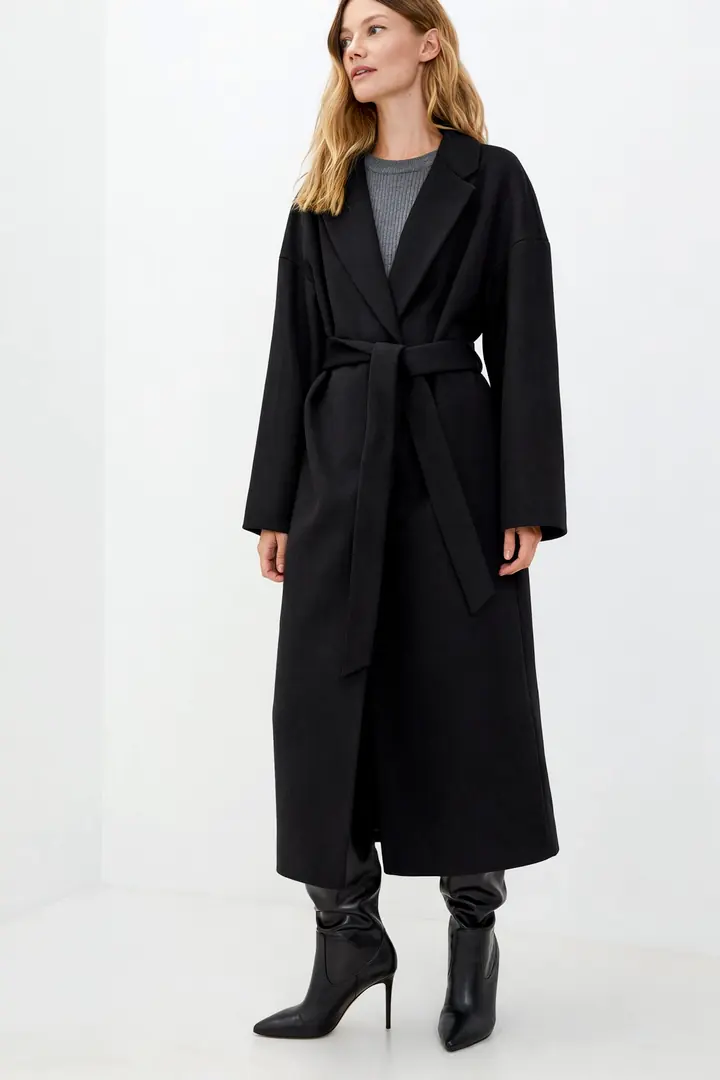
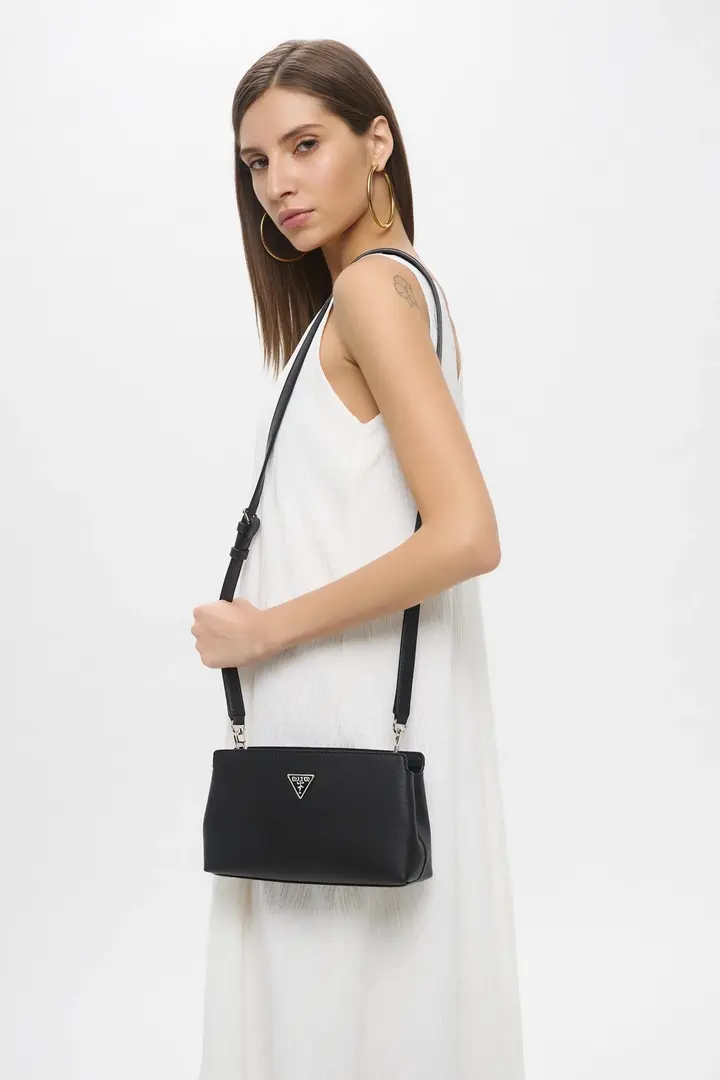
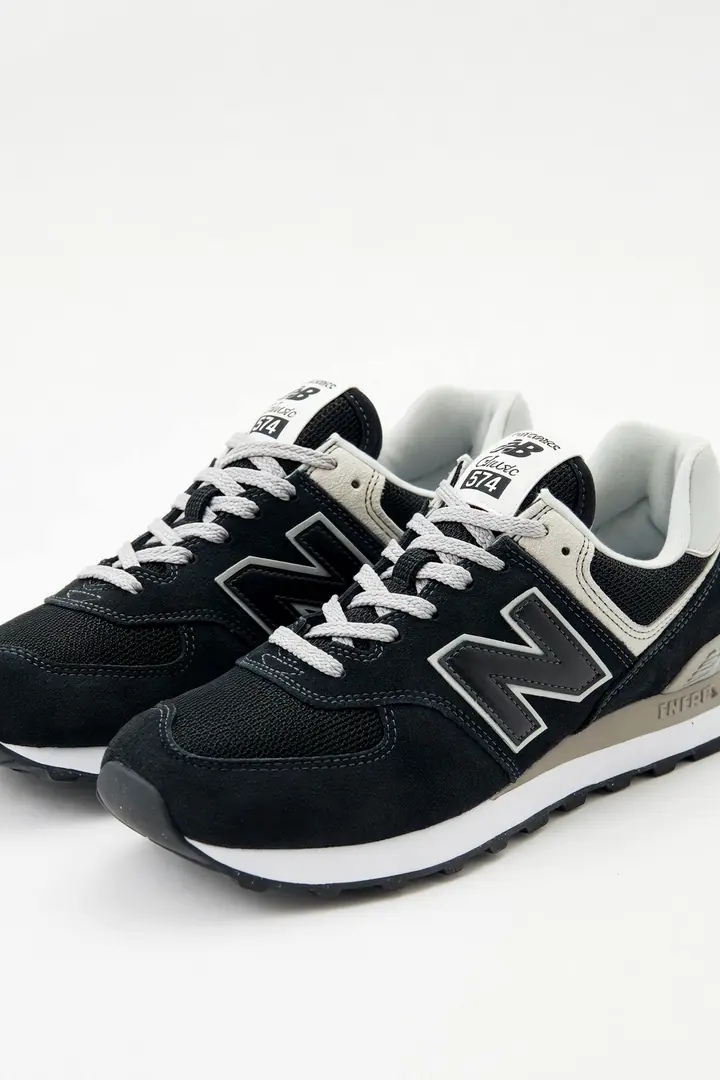
Videos for product cards made from catalog photos, with no words, so they work in every market. They play by themselves in the gallery. None of them was made for a Shopify store: they show the format, and a pilot starts with your own products.

All samples

Is Quelta right for your Shopify listings?

Quelta fits if

  • You have a catalog of any size and want a video on every product page, not only on the bestsellers.
  • You sell in several countries and want local versions.
  • You want finished files that fit Shopify’s formats, checked before delivery.

Look elsewhere if

  • You want to produce and edit videos yourself: Quelta has no self-serve generator, videos are ordered as a project that starts with a pilot.
  • You need one or two videos and have a phone: a pilot is built for categories and catalogs, not single files.
  • You expect Shopify to host a very long film: put it on YouTube or Vimeo, as Shopify advises for big or long videos.

Questions and answers

What is the maximum size and length of a Shopify product video?

Shopify accepts product videos as MP4, MOV or WebM files of up to 1 GB and 0.25 s–10 min. Bigger or longer videos go on YouTube or Vimeo and are added by link.

What aspect ratio should a Shopify product video have?

Shopify recommends 16:9, 9:16, 4:3, 3:4 or 1:1, with H.264 video. It is advice, not a limit, but your theme decides how the video is displayed, so test one product first.

Can I add a video to a product variant in Shopify?

No. Videos cannot be used as variant media, so a video belongs to the product. If a product comes in several colours, show them in the one video.

How many videos can a Shopify store upload a week?

A store can upload up to 1,000 videos a week, and Shopify says the limit cannot be raised. For a big catalog this decides the order of the rollout: we deliver in batches that fit it.

How much does a Shopify product video cost with Quelta?

From $20 per finished video up to 30 seconds and from $30 per video up to 60 seconds. A pilot on one category is quoted per project. There is no free video plan, only a free check of existing ads.

Sources

  1. Shopify Help Center: Product media types — checked October 24, 2026
  2. Shopify Help Center: Adding media to products — checked October 24, 2026
  3. Shopify Help Center: File uploads: requirements and limits — checked October 24, 2026

This page is written by Quelta, which makes the videos it describes. The marketplace rules come from each marketplace’s own help pages, copied with a quote and the date and read again when the pages change; where a marketplace publishes nothing, the table says so.

Quelta for catalogs

Need videos like this for your whole catalog?

Quelta makes product videos from your photos, adapted for each of your markets by meaning, not just by words, and checked before delivery. Start with a pilot on one category.

Start with a pilotPrivate access

Videos for your catalog, starting with one category

Tell us about your catalog, markets and volumes. We make the first videos for one category, so you can compare them with what you have now. Then the same scenarios cover the whole catalog.

  1. Send your products

    A product feed, links to product pages or photos for one category.

  2. Agree markets and audiences

    Countries, languages, platforms, generations of buyers and the quality threshold.

  3. Get the pilot videos

    Localized for each market, checked and ready to post.

  4. Scale to the catalog

    Every product, every market and every new arrival, in one style.

We don’t copy other people’s videos. Every video is new and about your product. We keep the mechanics that sell (script, pacing, delivery), not anyone’s footage, people or music.

Request a pilot